Defender Slim™ Resource Center
Get to know your sensor
FAQs & Troubleshooting
General
Activation
Monitoring
Alerts
Amazon Sidewalk®
Where should I place my Slim sensors within my home or business?
Slim sensors should be placed in or near appliances, equipment, plumbing, or in a temperature-controlled room. Examples include:
- In a bathroom, kitchen, laundry, or utility room
- Under a sink, behind a toilet
- Next to a boiler, water heater, or sump pump
- In a temperature-controlled basement near a pipe
- In a temperature-controlled room where freeze is of concern
- Where leaks or freeze loss have occurred in the past
What does the Slim sensor monitor?
Slim sensor monitors for water leaks and potential freeze conditions.
How are Slim sensors powered?
Slim sensor is powered by a long lasting, non-replaceable lithium battery.
How long can I expect the battery to last?
The battery is designed to last for over 5 years. Actual battery life will vary based on how often alerts occur as well as device connectivity.
Can I order more Slim sensors?
Please contact your insurance company agent or representative to discuss placing an order for more sensors.
What if I have weak cell phone reception or Wi-Fi service throughout my house or business?
Slim sensors use the Amazon Sidewalk® network. The sensors do not utilize cellular connectivity and can communicate even when your Wi-Fi is offline, through other Amazon® hub devices in your area.
What happens if the power goes out at my location?
Slim sensors are battery-powered and will continue to monitor for leaks and issue audible alerts even if the location loses electric power. Additionally, the sensor will continuously attempt to communicate via other Amazon Sidewalk® connected gateways or devices nearby.
What is the Device ID(s) and Activation Code(s)?
Each sensor has its own
- Unique Device ID code (found on the box behind the sensor) and
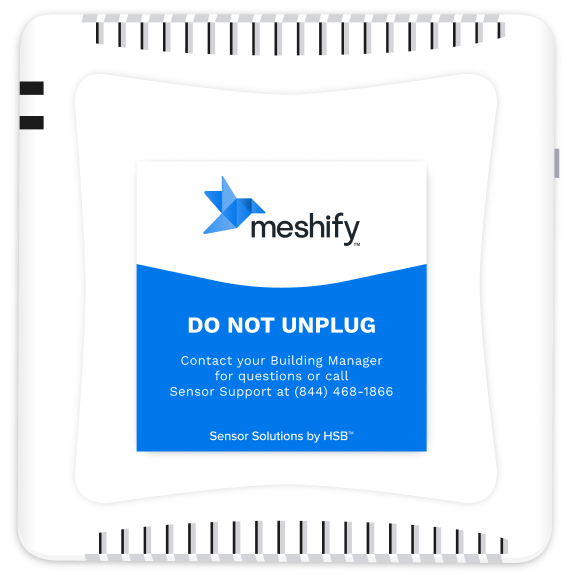
- 7-digit alphanumeric Activation Code (found on the back of sensor and inside the sensor packaging.
The 7-digit code can be used to activate the sensor on any mobile phone or laptop. Users with a mobile phone tend to find that scanning the QR code is simpler.
I can't remember which email I used to signup for my sensors. Which email address do I use to login to Meshify Protect?
Use the email that you signed up with for the Slim sensor program.
The easiest way to confirm which email you signed up with is to find one of the shipping emails that you received and see which email address the message was sent to (in the “To” field).
I didn’t receive a code to my phone or email.
If you believe you should have an account with us, please try the alternate communication method that you provided (e.g. try sending the code to your email if you submitted a phone number). If you are still having trouble, please use our contact form to let us know and a member of our team will contact you.
Why do I need to start sensor placement at the highest floor?
Slim sensors needs to establish a connection with the Amazon Sidewalk® network to provide optimal protection for your location. Higher floors tend to have greater likelihood of connectivity. Once a device has successfully connected to the network, other sensors that are having difficulty accessing the network can report their status through our patent pending Meshify Relay™ technology.
How long do Slim devices take to connect and find the Amazon Sidewalk Network?
Slim sensor will attempt to connect to the Amazon Sidewalk network for 24 hours. The user will be notified if the connection attempts have been unsuccessful. If connection attempt has been unsuccessful, it is recommended to relocate the sensor to a different location.
When/how will I be notified if a device was not able to connect?
How do I confirm if the Slim device is powered on?
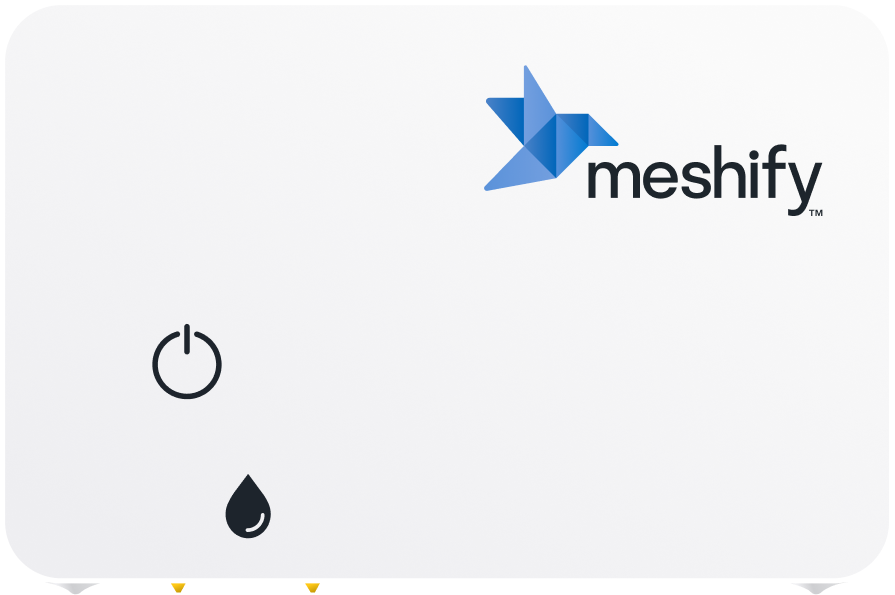
Press and hold power button firmly for at least 5 seconds UNTIL the sensor blinks purple or emits a beeping sound.
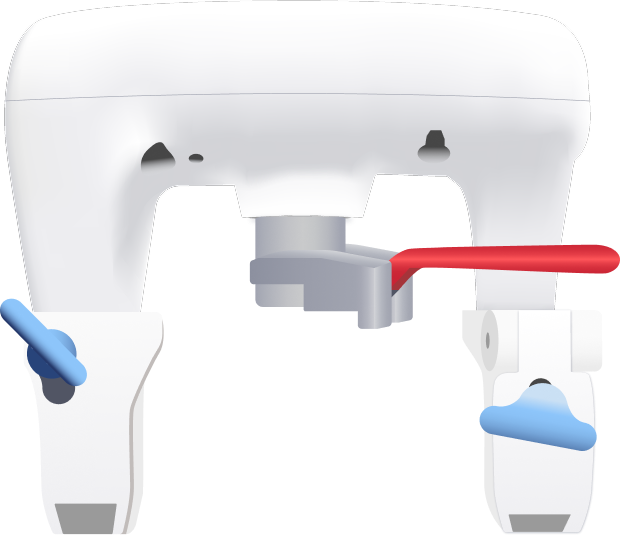
If you do not see a blinking light or hear a beep, dip the sensor’s gold metal pins in a shallow dish of water to see if the sensor beeps. The Slim sensor automatically turns on when the two pins are wet in under 30 seconds.
Note: Do not dunk or submerge the Slim sensor in water. Just cover the gold pins.
What does LED signify?
Purple: During activation, the LED will blink PURPLE while the sensor is connecting to the Amazon Sidewalk® network.
Green: During activation, the LED will blink GREEN when it has successfully connected to the Amazon Sidewalk® network.
NOTE: After initial confirmation, the LED will turn off to conserve power.
What happens if I cannot get the Slim sensor to connect?
The sensor will continue connection attempts in the background. If it still has not connected after 24 hours, your device will be in Audible Only mode and still issue an audible alarm when water is detected.
How should I place the Slim sensors in my location?
To ensure optimal detection of leak events, there are 2 sensor placement approaches:
| 1. Flat on a horizontal surface, with the Meshify bird logo facing towards the ceiling. Ensure the leak pins are not covered or blocked. | ![]() |
| 2. Vertically against a baseboard or cabinet, by utilizing tape strips found on the back of the sensor. Before securing, ensure leak pins are as close to the nearest horizontal surface as possible, with the water drop icon facing the floor. | ![]() |
One or more of my devices are in “audible only” mode. How do I improve connectivity?
To boost connectivity, review these potential issues:
- Is my Slim sensor in a good spot?
- Avoid placing the sensor where the signal could be blocked (e.g., near a microwave or Wi-Fi router).
- Do not slide your Slim sensor completely underneath metal appliances. Instead, position it near or next to the appliance edge for best signal.
- Important: Make sure at least one sensor is placed above ground level (e.g., on a higher floor or near a window) to help maintain signal strength.
- Do I have adequate Sidewalk connectivity?
- If you have a Sidewalk bridge device (e.g., Alexa or Ring), ensure Amazon Sidewalk is turned ON in your app: Ring app | Alexa app.
- Confirm your Sidewalk bridge device is powered on and connected to Wi-Fi.
- Check whether your Amazon device is a Sidewalk bridge using this guide.
- See if you’re in an area with Sidewalk coverage using this connectivity map.
Can I move the sensors after they are installed?
You can move the Slim sensors to another location on the property. However, it is important that you update the location information, so in the event you are alerted there’s accurate location information and the device can be easily found.
How will l know if the battery is low?
Currently, the battery life of the sensor is not visible on the dashboard.
How do I turn off the Slim sensor?
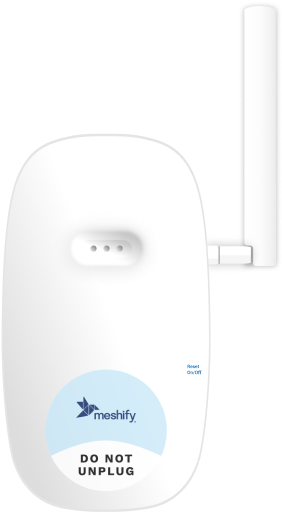
To turn off the Slim sensor, press and release the button 2 times, followed by a long press (hold then release) for 3 seconds. The sensor will emit a single audible tone then power off.
How do I check Slim sensor connection status?
When device is turned on, press and hold power button for 3 seconds then release. The Slim sensor will start blinking PURPLE. The LED will blink GREEN if connected or YELLOW if not connected (this process may take up to 2 minutes based on network availability).
How do I know if the Slim sensor is connected?
The sensor will beep and the LED will turn green when the device is connected. You can always check your device connection on the Slim dashboard at slim.meshify.com.
Why is my sensor issuing Audible Alarm only?
Your Defender Slim is either joining the network, which can take up to 24 hours, or it is currently out of network range; SMS and email alerts are unavailable, but the sensor’s built-in audio alarm will still sound if water is detected.
Do I need the mobile app to receive alerts?
Slim sensor sends alerts via SMS, push notifications, and email as well as phone calls. Additionally, the Slim sensor also issues an audible alert when leaks are detected.
A mobile app is not required, and information about the sensors can be found at slim.meshify.com.
How will I know if the Slim sensor detects an issue?
You will receive Slim sensor alerts based on the notification preferences you define as a part of the activation process. Notifications options include SMS, push notification, and email alerts, when issues are detected. The Slim sensor also issues an audible alert when leaks are detected.
How do I add another contact to my account to receive alerts?
Additional contacts may be added to your account via the dashboard at slim.meshify.com.
How does Amazon Sidewalk® work?
Amazon Sidewalk® is a shared network designed to enable low-bandwidth IoT devices to connect to the internet over longer distances than typical Wi-Fi would allow. It’s built into some Amazon devices like Echo® speakers and Ring® cameras, enabling creation of a low bandwidth mesh network for smart device connectivity.
Is Amazon Sidewalk® secure?
Amazon Sidewalk® uses end-to-end encryption to ensure that data sent through the network is secure. Each user’s data is kept separate, and it’s designed to prevent malicious users from gaining access to other users’ devices.
Note: For clients or policyholders who require more detail, please reference “Privacy and Security” PowerPoint slide.
What if I don’t have an Amazon® device in my home?
Because Amazon Sidewalk® is an IoT network that is powered by Amazon® devices across the neighborhood, Slim sensors can establish connectivity even when Amazon Alexa® or Ring® devices are not at your location.
In fact, the neighborhood network is one of the key benefits of Amazon Sidewalk®-enabled Slim device. There are many Meshify Defender Slim™ sensors installed at locations where there is no Amazon® hub device in the property.
In these situations, the actual strength of your network is dependent upon the relative availability of Amazon Alexa® or Ring® devices in your area.
Can I control the sensor via my Amazon Alexa®?
No, the Slim sensor does not operate via Amazon Alexa®.
Is a Slim Sensor like an Apple AirTag®?
While both Slim Sensors and Apple AirTags® rely on long-range, low-power wireless communication, their purposes are different: Slim Sensors are meant for environmental monitoring and extending connectivity for IoT devices, while Apple AirTags® are primarily designed to help you track physical items via a crowdsourced network of Apple® devices. They share some technological similarities, particularly in how they use a crowdsourced network to extend their connectivity, but they are meant for different use cases.
What information does the Slim sensor capture?
Slim sensors capture environmental data related to water leaks and temperature.
Will my information be used to promote Amazon® products?
Your information will not be used for targeted advertising or promoting Amazon® products.
Note: For clients or policyholders who require more detail, please reference “Privacy and Security” PowerPoint slide.
Amazon, Alexa, Sidewalk, Echo, and Ring are registered trademarks of Amazon Technologies, Inc. and are not affiliated with Meshify.
Apple and AirTag are registered trademarks of Apple Inc. and are not affiliated with Meshify.
Still need help?
Contact Sensor Support at (844) 468-1866 or sensorsupport@hsb.com
(Monday–Friday, 8 a.m.–8 p.m. ET), or use our webform below anytime, 24/7.

Meshify is the IoT technology subsidiary of HSB, part of global reinsurer Munich Re.
3500 Jefferson Street #208
Austin, TX 78731