
Defender Gateway
Resource Center
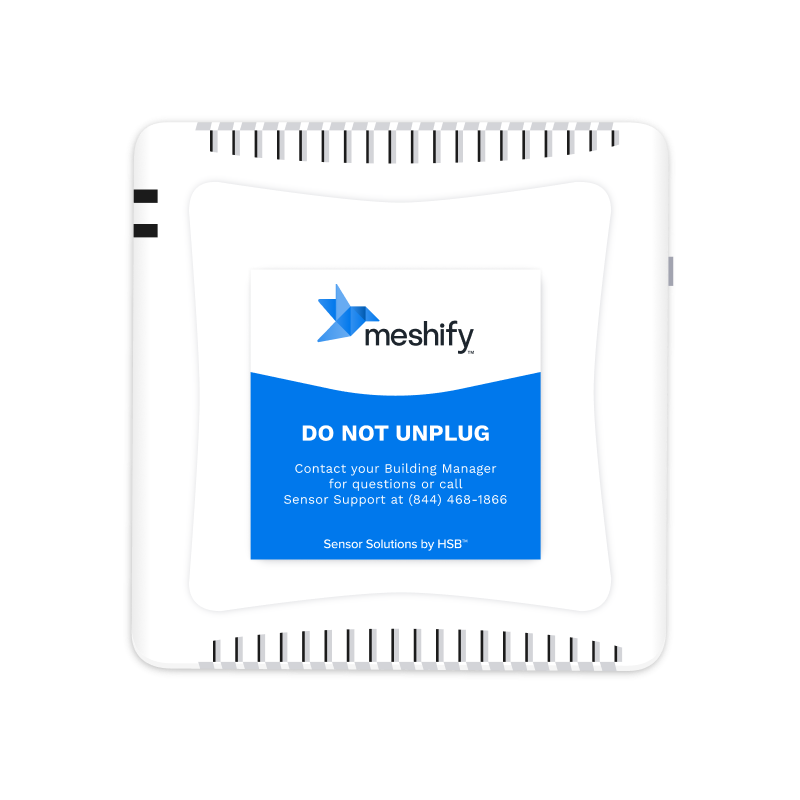
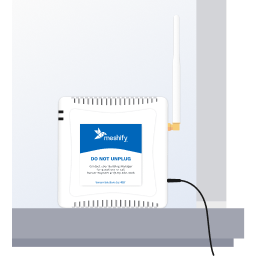
Get to know your gateway
Meshify Protect App



FAQs & Troubleshooting
What does the gateway do?
The gateway is the connection hub for all of your smart sensors and related to devices. It is designed to provide connectivity through separate cellular network, so your monitoring system will provide alerts, without the need for Wi-Fi.
[Connectivity] How do I resolve connection issues?
There are a few things to check for:
- Check that the cables are properly connected
- Ensure that the outlet has electricity and is not controlled by a light switch
- Check the placement area for signal interference (e.g. walls, metal)
- Try moving the gateway to a new location with better cellular reception
[Backup Battery] What should I do if my gateway is operating on backup battery?
The built-in backup battery is designed to keep your sensor solution up and running during power outage.
If your location is not currently experiencing a power outage, there are a couple of areas to check:
- Check that the cables are properly connected
- Ensure the outlet has electricity and is not controlled by a light switch
[Low Signal] What do I do if the gateway does not have strong signal?
If there are issues with low signal, try the following:
- Move gateway to a location with better signal (e.g. near a window, on higher floor). Gateway will run on battery power when unplugged
- In the “Data” screen of Meshify Protect app, press the “Recheck Signal Now” button. Gateway status light should be green
- Bring gateway back to the desired install location and finish the Protect app installation sequence
- If signal is still inadequate, change the install location. Move the gateway to a new install area with better signal, and press “Recheck Signal Now”.
Alternative option: Connect the gateway via Ethernet using the included cable. Review the following information.
[Ethernet] When should I use an ethernet connection? Are there any configuration details?
If you encounter poor signal, even after troubleshooting, you can connect with the included ethernet cable. To learn more, please review the following information.
What if I have other questions or require additional support?
If you require further assistance, please contact Sensor Support at (844) 468-1866 or sensorsupport@hsb.com – Monday to Friday, 8am – 8pm Eastern Time
Still need help?
Contact Sensor Support at (844) 468-1866 or sensorsupport@hsb.com
(Monday–Friday, 8 a.m.–8 p.m. ET), or use our webform below anytime, 24/7.

Meshify is the IoT technology subsidiary of HSB, part of global reinsurer Munich Re.
3500 Jefferson Street #208
Austin, TX 78731
© 2026 Meshify Inc. All Rights Reserved. Privacy Policy