
Defender Link™
Resource Center
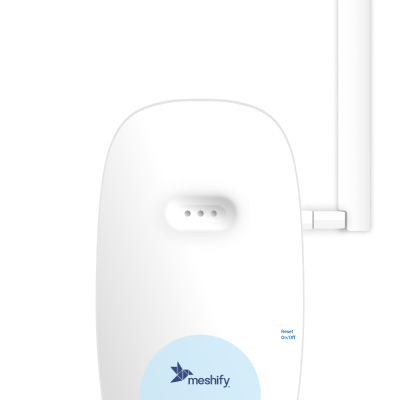
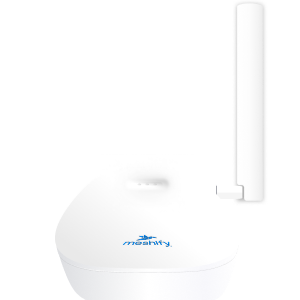
Get to know your gateway
Meshify Protect App



FAQs & Troubleshooting
What does the gateway do?
The gateway is the connection hub for all your Meshify sensors and related to devices. The gateway transmits the sensor data to Meshify’s platform, enabling you to monitor your location and receive alerts.
How do I connect the gateway to my router?
The gateway can connect to your router via Ethernet or Wi-Fi. We recommend connecting the gateway via Ethernet as the primary option whenever possible.
Does my internet router need any settings/configuration changes for the Defender Link gateway to work?
In most cases, you won’t need to change any settings.
However, in rare cases, you may need to open certain network ports on your router or firewall so the sensors and gateway can communicate with the Meshify platform. If these ports are blocked, the sensors or gateway may not connect properly or could appear offline.
If you’re unsure, please contact your IT administrator or internet provider to make sure the required ports are open and that outbound traffic is allowed. You can find a list of the required ports and settings in the technical documentation here.
[Ethernet] When should I use an ethernet connection? Are there any configuration details?
[Connectivity] When connecting to Wi-Fi access point, is there anything I should be aware of?
During activation via Wi-Fi, please make sure your mobile device is connected to the same 2.4Ghz Wi-Fi access point.
[Connectivity] How do I resolve connection issues?
There are a few things to check for:
- Check that the power cable is properly connected to an outlet that has electricity and not controlled by a light switch
- In case of Ethernet connection:
- Check the position/good connection of the RJ45 Ethernet connector/cable to the gateway.
- In case of Wi-Fi connection:
- The gateway works on 2.4 Ghz band only. It will not work with 5 GHz or 6 GHz bands.
- Check that the Wi-Fi access point is within range of the gateway. Try moving the gateway to a new location with better Wi-Fi network reception
- Check the placement area for signal interference (e.g. walls, metal)
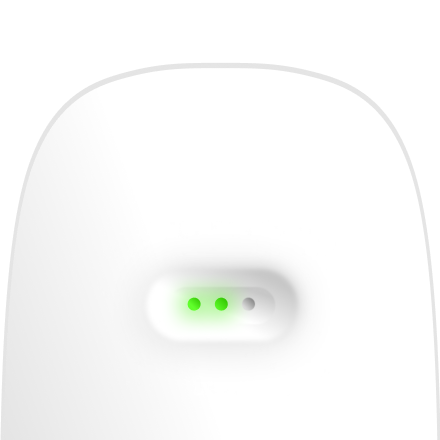
[LED] What should I do if LEDs never turn on?
- Check the position/connection of the power supply jack connector.
- Check power supply connection at electric outlet.
What if I have other questions or require additional support?
Please use the support form below to reach out.
Still need help?
Contact Sensor Support at (844) 468-1866 or sensorsupport@hsb.com
(Monday–Friday, 8 a.m.–8 p.m. ET), or use our webform below anytime, 24/7.

Meshify is the IoT technology subsidiary of HSB, part of global reinsurer Munich Re.
3500 Jefferson Street #208
Austin, TX 78731
© 2026 Meshify Inc. All Rights Reserved. Privacy Policy