
Activation Instructions
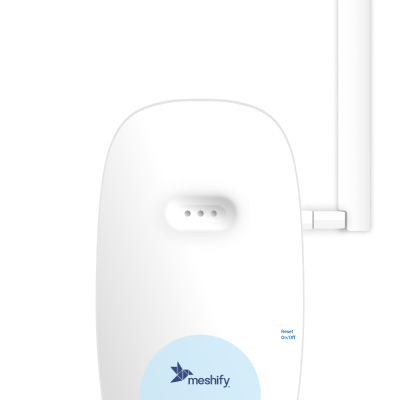
Activate Your Gateway the Smart Way
1. Download and log in to the Meshify Protect app
Create an account if you haven’t already done so. The gateway can only be installed by using the application.

2. Scan the QR on the back of the device
When scanned, the Meshify Protect app will initiate the activation process.
3. Follow the on-screen instructions
Meshify Protect app will guide you step by step through the activation process.
3. You’re all set
The gateway will be up and running in just a few minutes.
Next steps
- Finish setup of your gateway in the Protect app, including confirming device online status, device location, and completion of activation.
- Continue activating the rest of your devices to protect your location. If you have a Defender Water Shutoff, view the instructions and install it next. If you only have Defender Sensors, view the instructions and install them next.
Important Note
Still need help?
Contact Sensor Support at (844) 468-1866 or sensorsupport@hsb.com
(Monday–Friday, 8 a.m.–8 p.m. ET), or use our webform below anytime, 24/7.

Meshify is the IoT technology subsidiary of HSB, part of global reinsurer Munich Re.
3500 Jefferson Street #208
Austin, TX 78731
© 2026 Meshify Inc. All Rights Reserved. Privacy Policy